Set up your own repository
Follow these instruction to use this template for your own book.
Go to this repository
Click the green button
use this templateand clickcreate a new repository.Choose a proper name of your repository (this will be also part of your URL!) and choose the option
public.In your repository, click on
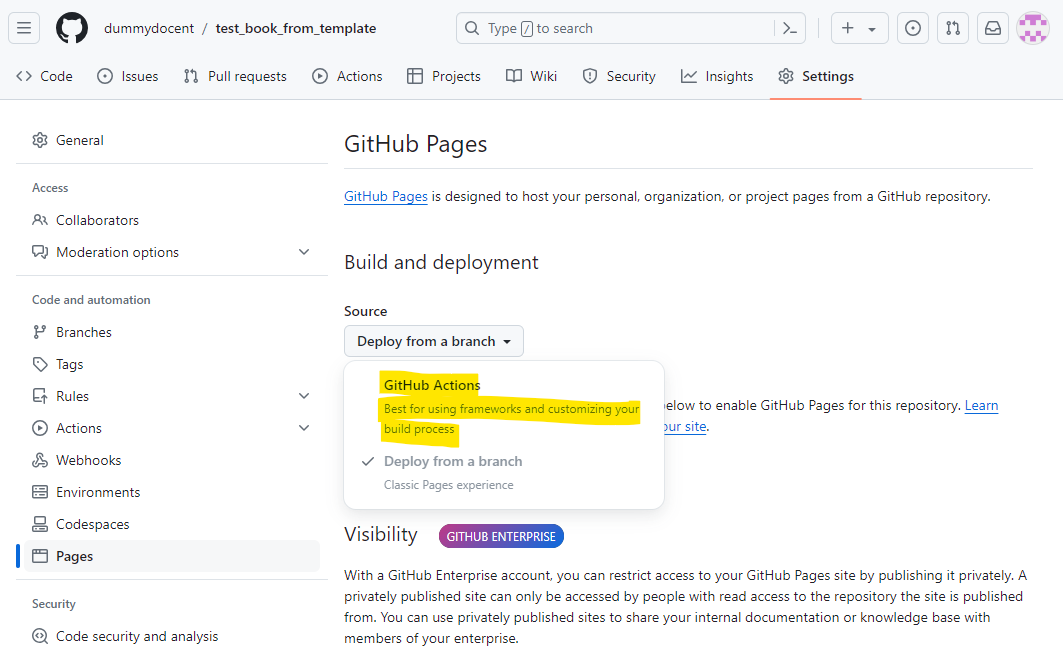
settingsand in the left menu on Pagesand chooseGithub actions`
Click on
codeand click on thegear-icon(near About) at the right site of the page.Check the box Use your GitHub Pages website.
Go to
actionsin the topmenu, click on the (red)initial commitand clickre-run all jobs
The book will now be deployed again - where now it can actually load GitHub pages.

Figure 2:Once the book has been deploy, all cirkels will be green.
Use the book link (
codebelow About) to your Github page where the book is hosted.The output resembles Figure 3.
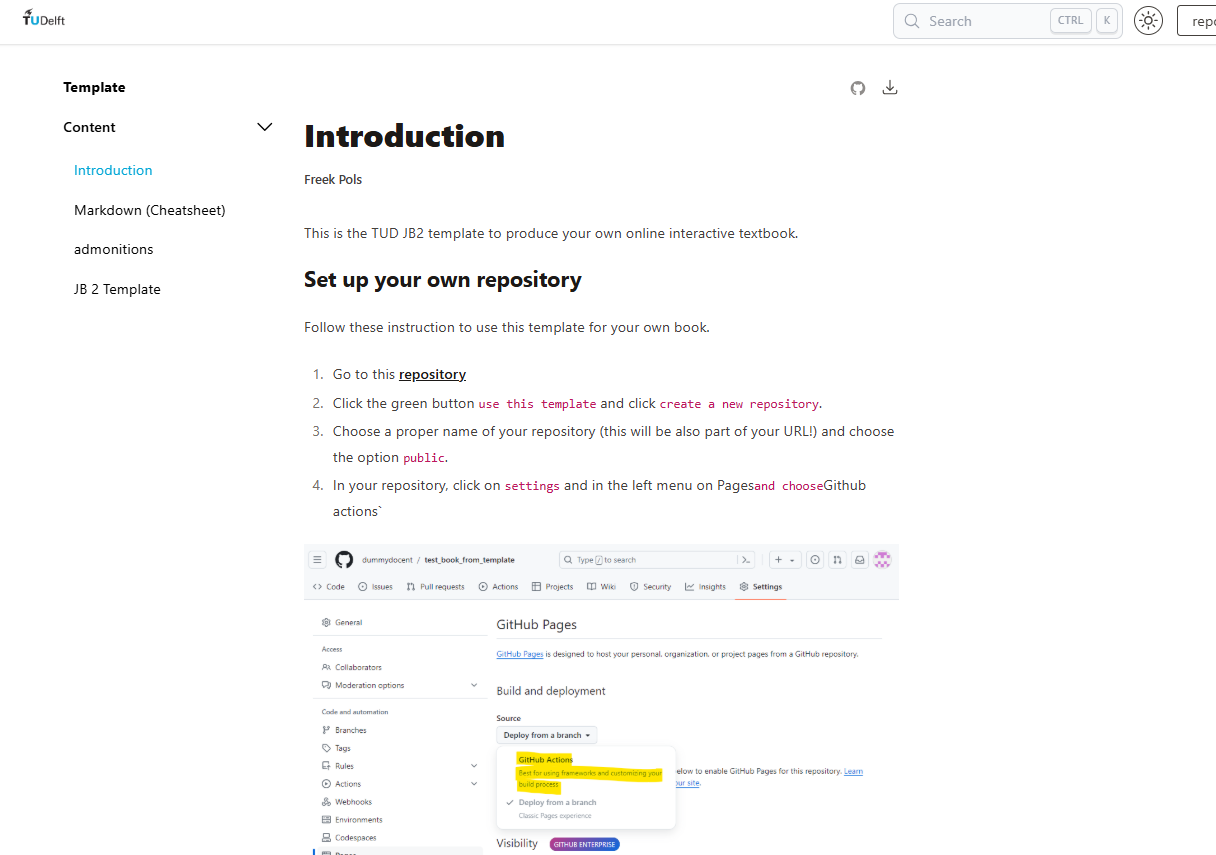
Figure 3:The output of the template book is the same as your book.